

PricingOS
The price in your ERP
is the price on the shelf.
PricingOS carries every price change from your ERP to every shelf-edge screen, checks it against your rules and Omnibus history, and brings back proof of what each screen showed.
- Price history per product and store
- 30 days
- Reports the price it rendered
- Every bar
- Every price package
- Signed
- From any ERP or POS
- Webhook / CSV
The Omnibus rule
A discount is measured from the lowest price, not the latest.
Since 2022, EU rules require that an announced price reduction refers to the lowest price of the previous 30 days (Article 6a, Directive 98/6/EC, as amended by Directive (EU) 2019/2161). Get it wrong on a shelf and the claim is misleading — on every product, in every store.
Misleading
−24%
Measured from the latest price, €3.29.
What PricingOS shows
−11%
Measured from the 30-day lowest, €2.79.
How it works
Four steps, every price, every store.
- 01
Receive
Your ERP or POS sends a price change by webhook or signed CSV. Nothing is typed in twice.
- 02
Validate
Rules check margins, rounding, promotion windows and the 30-day lowest price before anything is published.
- 03
Publish
The change ships as a signed package to every affected bar, store by store, with a scheduled start time.
- 04
Prove
Each bar reports the price it actually rendered. Mismatches raise an alert and pause media on that bay.
Connect
Plugs into the ERP you already run.
Your price master stays the source of truth. Changes arrive by webhook or signed CSV, pass every check, reach each bar as a signed package and come back as proof of what the shelf showed.
Your systems
- ERP price masterWebhook
- Promotions
- POS
- Product data
SAP, Oracle, Microsoft Dynamics, LS Central, Odoo or in-house: they connect the same two ways.
PricingOS
Baby lotion 400 ml
- 1ReceiveAuthenticated, de-duplicated, logged
- 2ValidateMargins, rounding, promotion window
- 3OmnibusLowest price of the last 30 days
- 4Sign & scheduleSigned package per affected bar
On the shelf
- Store 01 · Bay A4Queued7.99 €
- Store 07 · Bay C2Queued7.99 €
- Store 12 · Bay B9Queued7.99 €
- Two ways in, for any ERP, POS or promotions tool that can send a change
- Webhook or signed CSV
- Nothing is typed in twice; PricingOS never edits a source price
- Your ERP stays the master
- Connector scope for your stack is agreed in the first two weeks
- Scoped in the pilot
Built for scrutiny
Evidence for the auditor. Calm for the store.
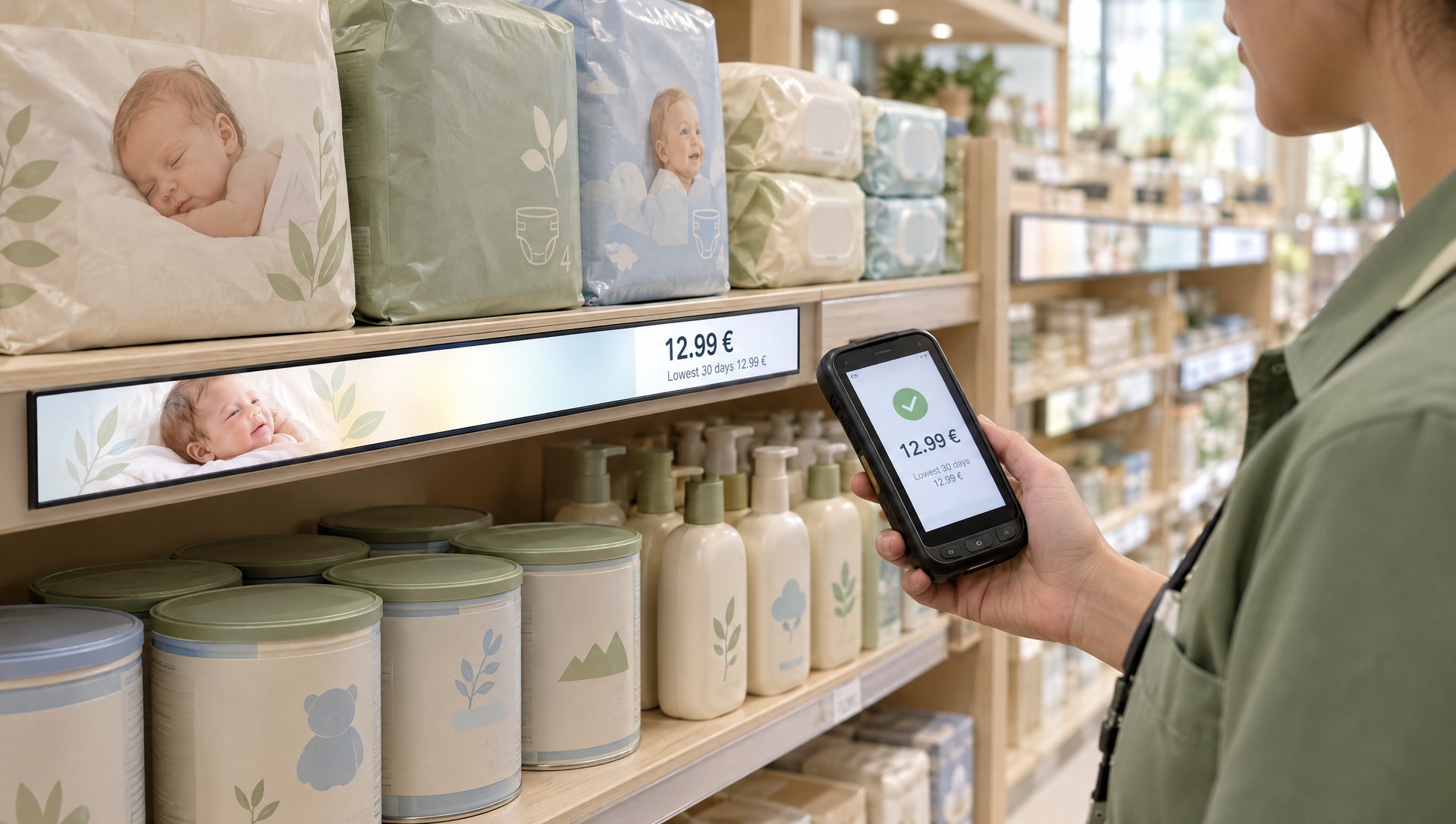
30-day history per product and store
Every price a product has carried is kept, so the reference price for a reduction is calculated, not remembered.
A price zone media cannot cover
On EdgeBar, the right 35% of the bar is reserved for price by the player. No creative can take it.
Render proof as evidence
What each screen showed, and when, is stored as audit evidence you can export for a regulator or a dispute.
Scheduled and same-day changes
Plan changes for opening time or push them now; every store switches together.
Approval where it matters
Routine changes flow straight through. Exceptions wait for a person with pricing authority.
Works alongside media
When a price is wrong, Price Guard pauses paid media on that bay until it is fixed.
Questions
For pricing and legal teams.
Does PricingOS make us Omnibus compliant?
Compliance is a legal outcome your team owns. PricingOS calculates the 30-day lowest price for each reduction, shows it on the shelf, and keeps evidence of what was displayed — the parts that are hard to do by hand across thousands of products and stores.
What happens if a screen is offline when a price changes?
The change waits in the bar’s queue and applies as soon as it reconnects; the console shows which bays are behind. Bars also share files with each other over the store LAN.
Do we have to replace paper labels everywhere?
No. Most retailers start with the categories where prices move most and where media has value, then expand.
Put proof behind every price.
Pilot PricingOS on your fastest-moving categories and measure price accuracy from the shelf itself.