
ShelfOS Media
Sell the last metre
before the basket.
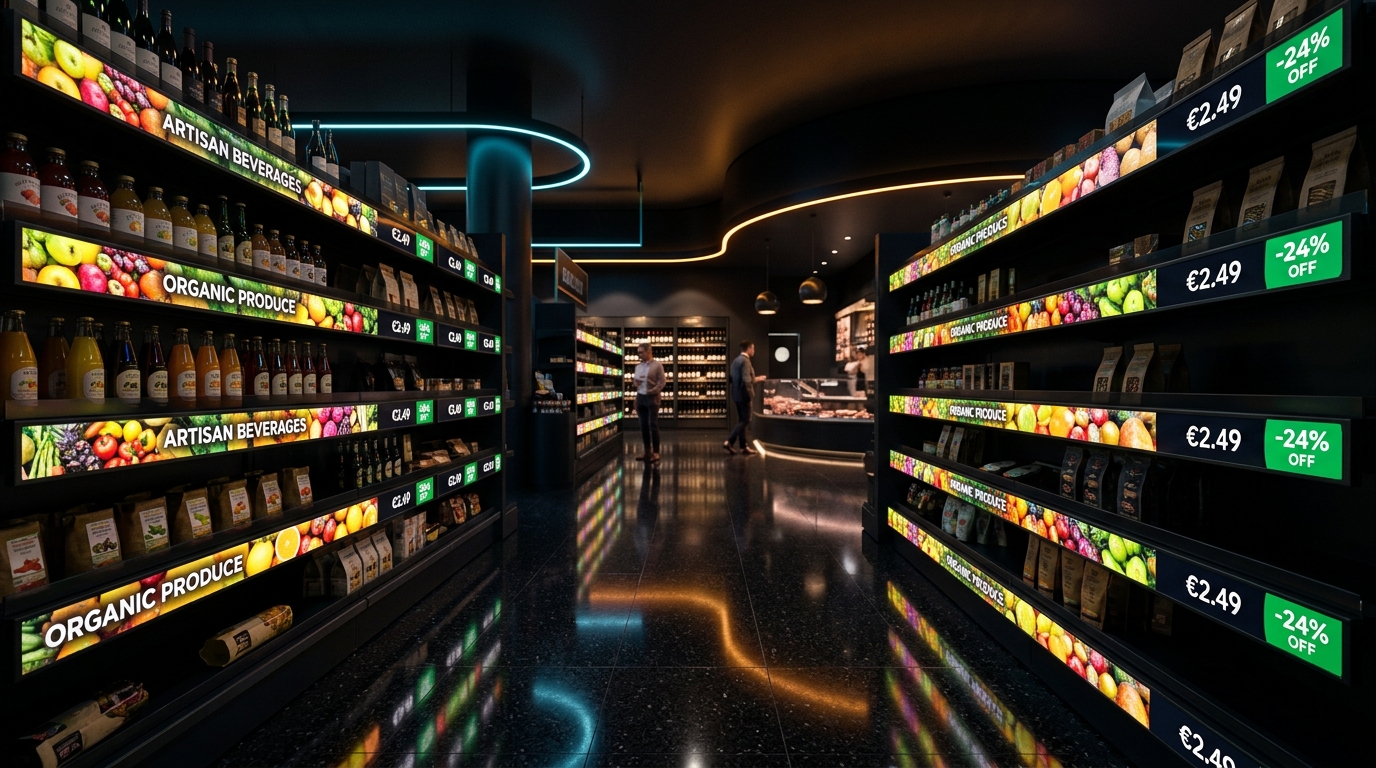
ShelfOS Media turns shelf-edge LED into a retail media network: inventory brands can buy by aisle and daypart, delivery you can prove, and a price that always stays visible.
- Targeting down to the rail
- Bay level
- Shelf edge, header, endcap
- 3 canvases
- Proof of play
- Per screen
- Price stays visible
- Always
Try it
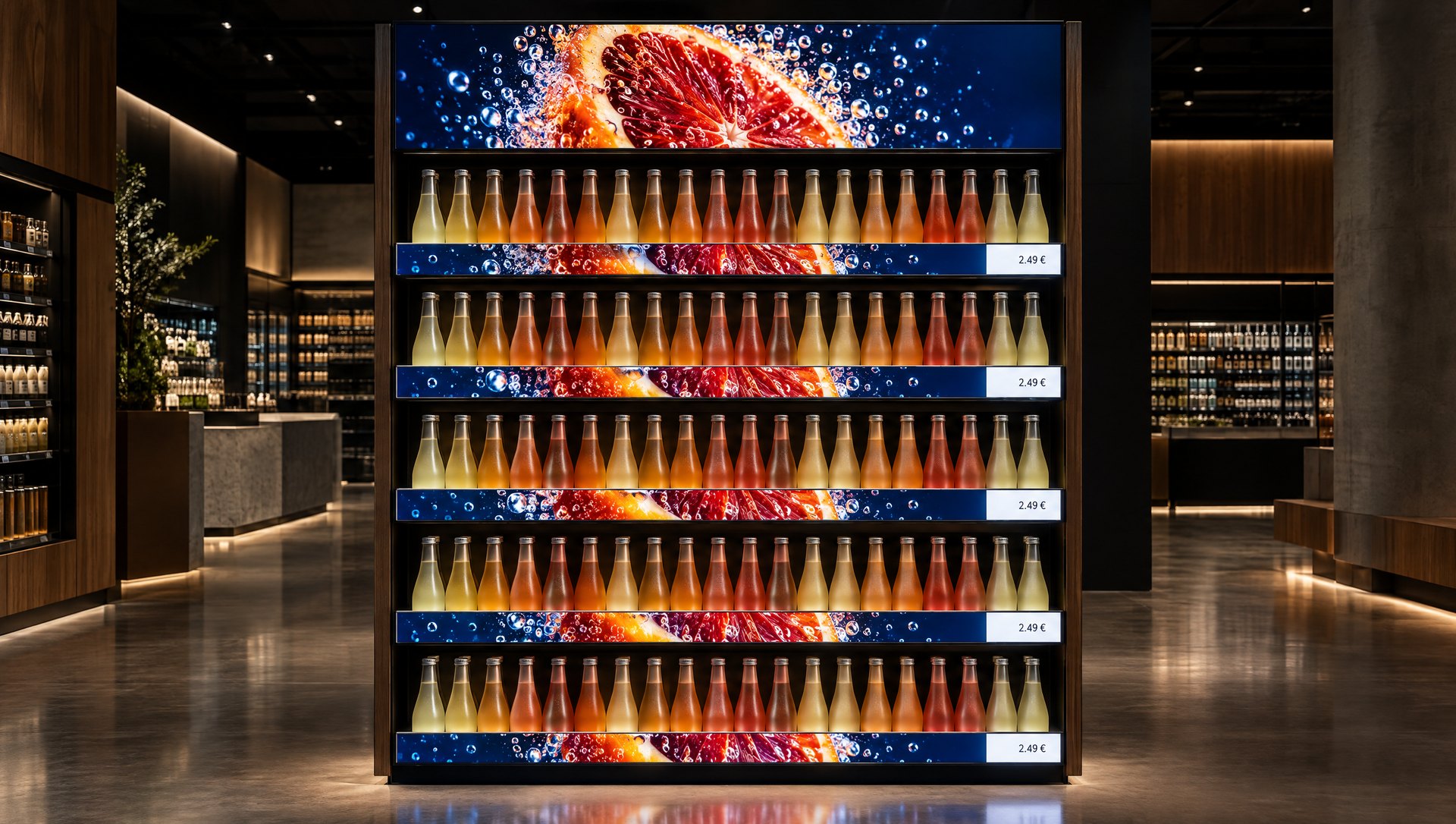
The ad gets 65%. The price keeps 35%. Always.
Media plays on the left of every bar. The right side is reserved for the price, unit price and 30-day lowest price — and the player, not the creative, enforces it. Try to cover it.
What you get
Everything a media network needs. Nothing a store has to babysit.
Inventory you can package
Every bar is mapped to its store, aisle, bay and rail in the Store Twin, so you can sell “chilled drinks, eye level, 20 stores” instead of “some screens”.
Dayparts and context
Schedule by time of day and store. Agents propose rotations around stock, weather and conflicts; you approve the schedule.
Creative QA before air
Creatives are checked against the canvas size, safe zones and legibility rules before they can be scheduled.
Delivery you can trust
Approved campaigns ship as signed packages. Bars share files over the store LAN and keep playing if the connection drops.
Proof of play
Every screen reports what played and when. Campaign reports come from the screens themselves.
Yield, governed
The Yield agent balances campaigns, promotions and price changes on each bay and proposes one schedule for approval.
For brand partners
A campaign workflow brands will want to come back to.
Brands brief against live inventory, see their creative checked before it airs, and get delivery reports built from what the screens actually played.
- 01
Brief
Pick categories, stores and dayparts from live inventory, not a rate card.
- 02
Check
Upload creative. QA flags format and safe-zone problems before anyone books air time.
- 03
Approve
Your team approves the campaign and the schedule in one inbox.
- 04
Report
Delivery comes from proof-of-play events, per store and per screen.
Formats
Three canvases. One upload.
Upload once; ShelfOS adapts the creative to each canvas and checks it before scheduling.
- Shelf edge
- 1920 × 158 px · EdgeBar · media zone is the left 65%
- Header
- 1920 × 360 px · Taurus · gondola headers and canopies
- Endcap
- 1920 × 540 px · Taurus · promotional ends and arches
- File types
- MP4 and WebM video, still images; adapted per canvas on upload
Open your shelf to brands.
Pilot ShelfOS Media in one to three stores and see real delivery data before you build a rate card.